
Brioche - Blog & Recipe Blocks
The Brioche theme includes Blog Blocks – a versatile collection of beautiful, easy-to-use blocks designed specifically for food bloggers. Use these blocks to highlight ingredients, share step-by-step instructions, offer cooking tips and substitutions, display FAQs, encourage email signups, and more! Easily add them to any post to create polished, engaging recipe content your readers will love.
Using Blog Blocks
It couldn't be easier!
To get started, create a new post or edit an existing post. At the top of the Block Editor, click "Design Library." Navigate to Bricohe > Blog Blocks click on a block to insert it in your post.
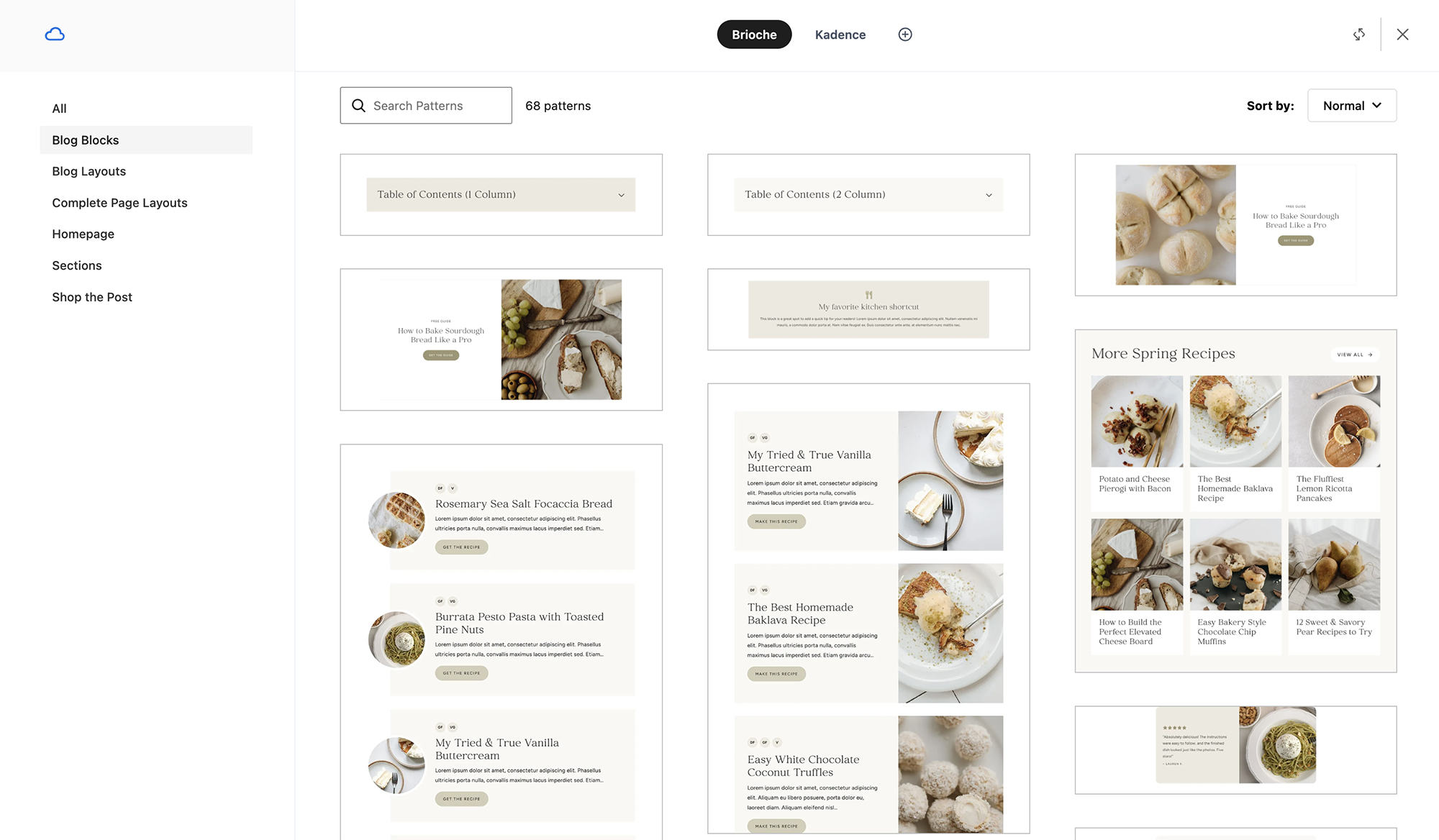
Replace the sample text/image/links in the block with your own content, and voilà!
Tips & Notes
Customizing Blocks
Blog Blocks will automatically inherit the fonts and colors you've selected in the WordPress Customizer, so they'll match your website right out of the box! Each block is also fully customizable after insertion, allowing you to adjust colors, typography, spacing, images, and more.
Adding Recipe Cards to Your Posts
Recipe cards are added separately using the WordPress Block Inserter, rather than the Design Library. For instructions on adding and displaying recipes in your posts, see our Brioche Recipe Card Tutorial.
Share Blocks
The Share blocks included in the Blog Blocks collection are designed to work with WP Recipe Maker. These blocks require a recipe to be inserted into the post in order to display properly.
Recipe Roundup Blocks
Brioche includes 7 recipe roundup blocks, which are perfect for creating curated collections of recipes! Use them for posts like "25 Recipes to Try This Summer," "Our Favorite Weeknight Dinners," or "10 Easy Holiday Desserts."
These blocks use Kadence Posts Blocks to display your recipes, so you can easily choose which posts to feature. The following tutorials will help you get started:
Tip: Create Your Own Blog Post Layouts
If you have a particular combination of Blog Blocks you'd like to use in multiple posts, you can save them together as a WordPress pattern! This makes it easy to build your own reusable post layouts that you can insert into new posts and customize with fresh content. You can also create synced patterns for sections you'd like to keep identical across multiple posts. Learn How to Create Patterns in WordPress →